My Coding Setup: A Mac Server, Two Linux Boxes and a Herd of Claudes
A Mac that never sleeps, a NixOS build box, a cheap Linux laptop, and the terminal multiplexer I use to keep a pile of Claude Code agents from getting lost.
So, in December I wrote a whole post about leaving Nix for FormalConf. About five months later I was back on Nix. Yeah.
FormalConf was fine for what it was: dotfiles and Homebrew on one Mac. The problem is that I don’t have one Mac anymore. I have a Mac and two Linux laptops, and I want them all to feel like the same computer. That’s the one thing Nix is genuinely great at, so I swallowed my pride.
The other thing that changed this year is that I barely type code myself anymore. Claude Code does most of it, and usually there are five to ten sessions going at once across different repos. Keeping track of all of them became its own problem, which is how I ended up using Herdr.
The machines
The Mac is the server now. It barely leaves the desk. All my repos live on it, the dev servers run on it and every Claude agent runs on it. Partly because it’s the fastest thing I own, partly because I do iOS work and Xcode isn’t going anywhere. A caffeinate daemon keeps it awake around the clock, because a server that falls asleep isn’t much of a server.
The Linux server is an old ASUS gaming laptop with the lid closed, running NixOS. It’s plugged in permanently and mostly exists to build things. When I do sit at it, it runs Hyprland with FormalShell, the desktop shell I’ve been building. It also dual boots into Windows for games, which is why it occasionally just vanishes from the network.
The Linux laptop is a cheap 8 GB ASUS. It’s not powerful enough to do anything heavy, so I don’t let it. Nix on it is set to zero local build jobs: everything gets built on the Linux server and copied over. If the server is off (playing games, see above), the build just fails. That’s on purpose. I’d rather get an error than have an 8 GB laptop try to compile half of nixpkgs by itself.
What the laptop does do is connect to the Mac. I mosh into it for terminals, because mosh doesn’t care if the Wi-Fi drops or I close the lid. The Mac’s home folder is mounted on the laptop over SSHFS, so I can open files from it like they’re local. And if I really need to see the Mac’s screen, for the iOS simulator mostly, there’s Parsec.
All of this runs over Tailscale, so I don’t think about IP addresses or whether I’m home. ssh into the Mac works the same from my desk as from anywhere else.
Nix, again
One flake describes all three machines. The Mac uses nix-darwin, both Linux laptops use NixOS, and home-manager runs on top of all of them for my user stuff: fish, SSH, Git, the editor, the theme, Claude Code and Herdr. A fish function I write once shows up on all three. Homebrew casks on the Mac are declared in there too, so the apps Nix can’t package are at least written down somewhere.
The config is split into lots of tiny files, one concern each, which made sharing between macOS and Linux way easier than my old setup. The Linux side has been through some stuff already: I switched from Hyprland to niri in July, then back to Hyprland in August once it got a scrolling layout built in. Nix made both switches pretty painless, which is honestly the best argument for it I have.
The rule is that all three machines are on the same commit. I don’t push and pull by hand anymore though. I tell an agent “change X”, and it edits the config, rebuilds the machine it’s on, pushes, then SSHes into the other two and rebuilds those as well. The laptop gets built on the Linux server and pushed over, like everything else on the laptop.
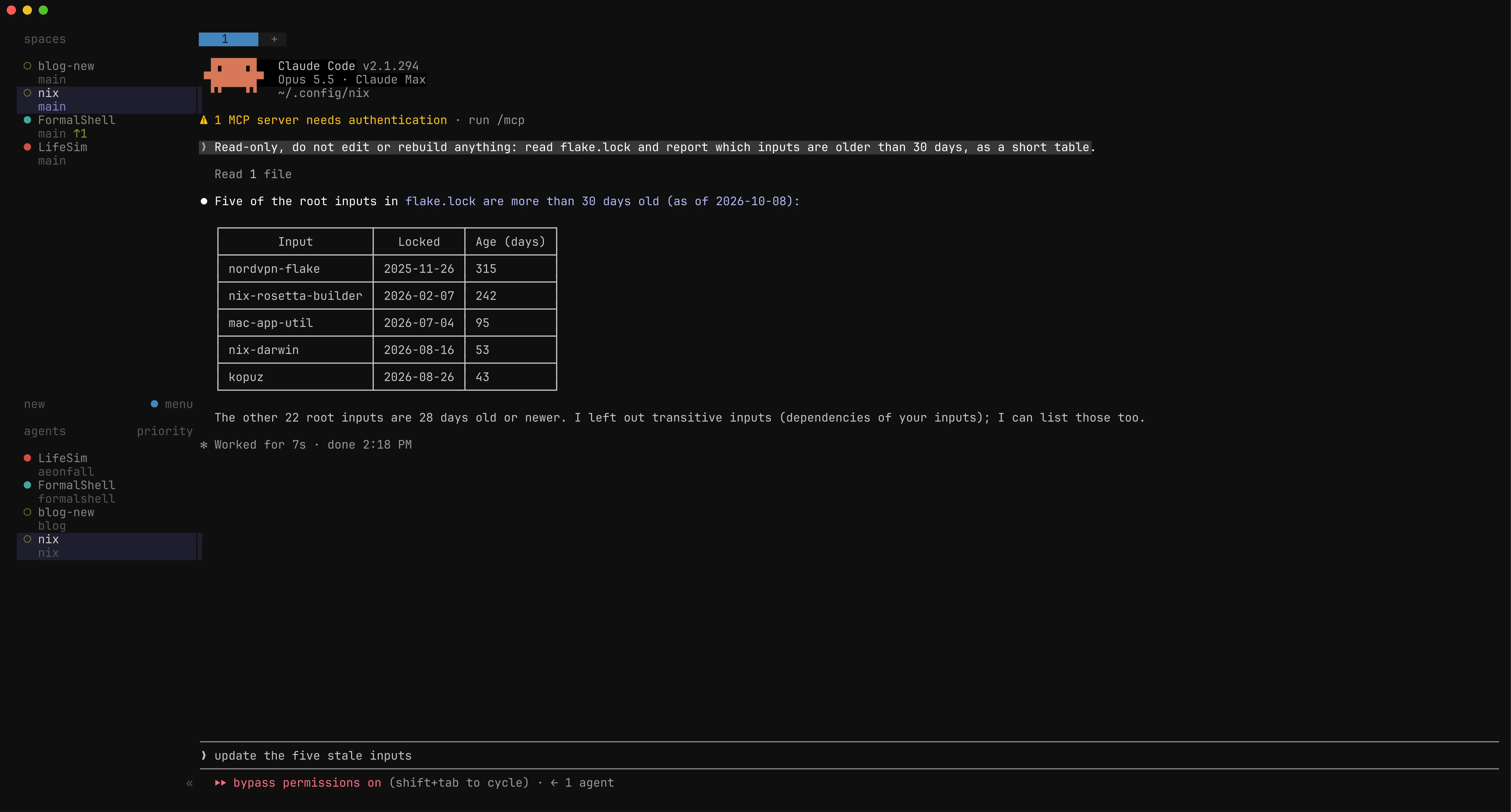
Is it still annoying sometimes? Yes. Everything I complained about in the FormalConf post is still true. Some apps still can’t find each other, and trying out a new tool still means editing a file and rebuilding. The difference is that an agent does the editing now, so it costs me tokens instead of my evening.
Claude Code lives in the flake too
Claude Code is installed through Nix as well, from a community flake that follows upstream releases within a few hours. nixpkgs is usually a couple of days behind, which matters when a new model comes out and needs the latest CLI.
My CLAUDE.md, skills, subagents and hooks are in the same repo as the Nix config, and home-manager symlinks them into ~/.claude on every machine. They point outside the Nix store on purpose, so if I tweak a skill, it applies straight away instead of after a rebuild.
A lot of what’s in that CLAUDE.md is scar tissue. The big one is that agents are never allowed to throw away uncommitted changes. No git stash, no git reset --hard, no git checkout .. With several agents in the same repo, a messy working tree usually means another agent is in the middle of something. I learned that when one agent “tidied up” a repo with a reset, and a night’s worth of another agent’s work went with it.
Herdr
One Claude session in a terminal tab is easy. Ten of them across six repos turns into flipping through tabs trying to remember which one was waiting for an answer.
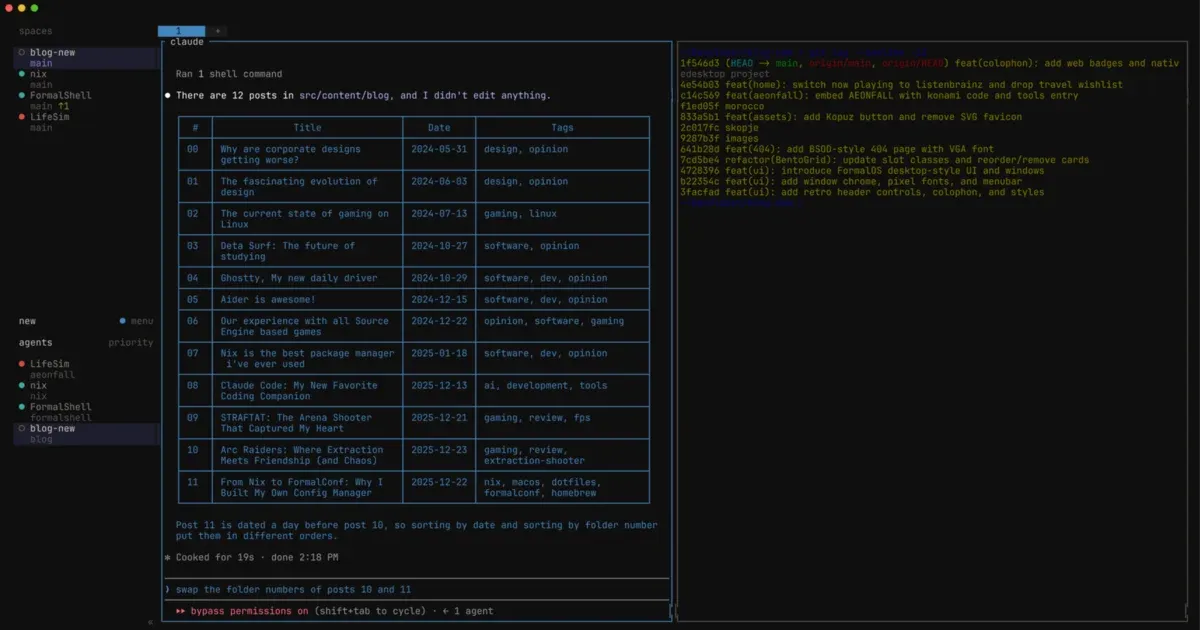
Herdr is basically tmux that knows what a coding agent is. You get workspaces, tabs and split panes like normal, and on top of that it figures out which agent is running in each pane and whether it’s working, done, or stuck waiting for me. I use one workspace per repo.
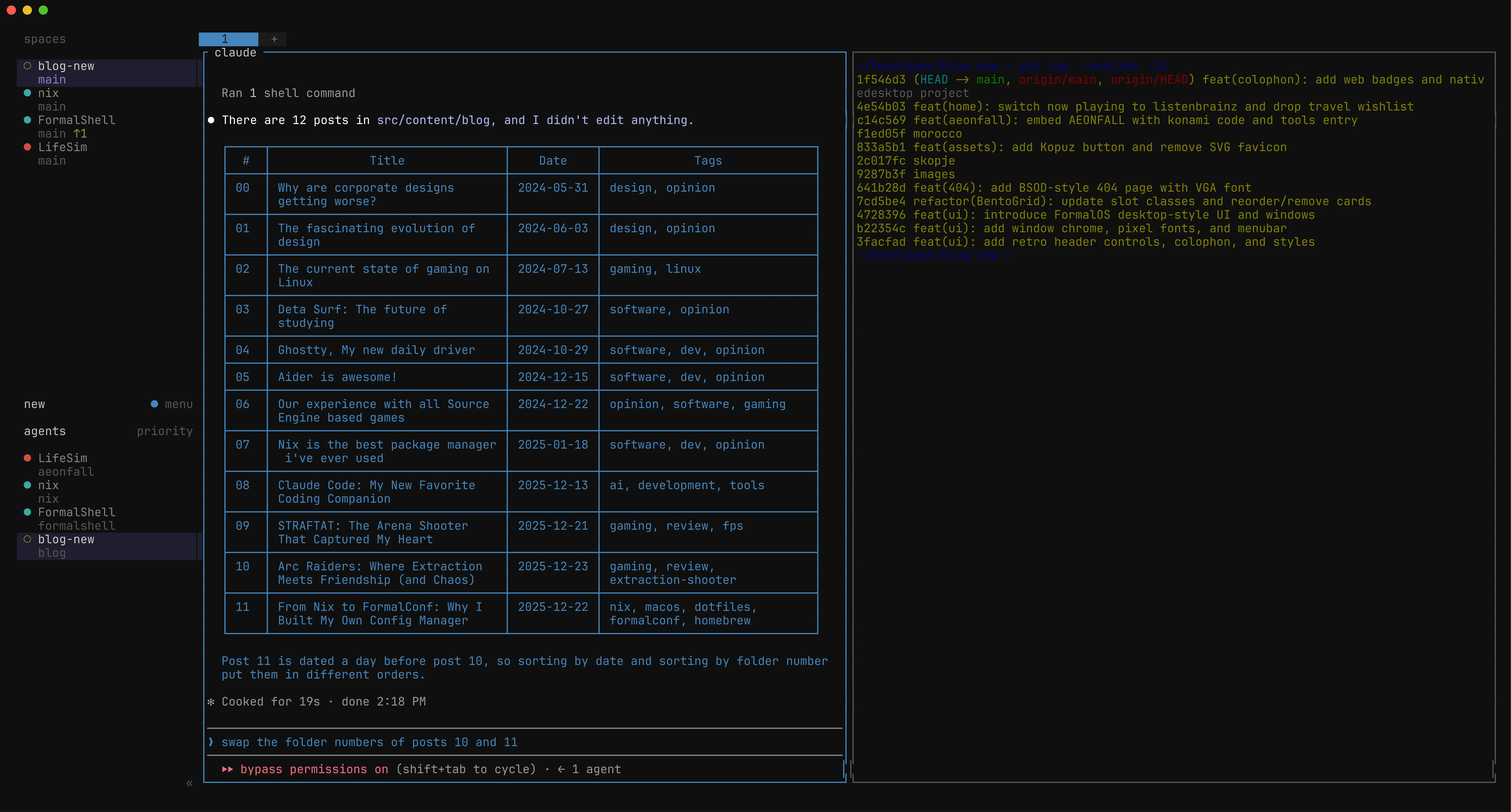
The sidebar is what sold me. Workspaces with their Git branches at the top, every agent at the bottom, sorted so whatever needs me comes first. When an agent finishes or gets stuck I get a notification, so I’ve mostly stopped checking tabs.
The Herdr server runs on the Mac, and whatever terminal I’m looking at is just a client attached to it. So I can close the laptop, go to the other machine, attach again and everything is still there, still running. There’s one Herdr session in the whole setup, and it lives on the Mac with the agents.
The part I didn’t expect: Herdr has a CLI, and agents can use it too. An agent can open a new pane, start another Claude in it, give it a task and wait for the answer:
herdr pane split --current --direction right --no-focus
herdr agent start reviewer --kind claude --pane w1:p2
herdr agent prompt reviewer "Review the current diff" --wait
herdr agent read reviewer --source recent-unwrapped --lines 120
The obvious use is reviews. One agent writes something, spins up a second one to look at the diff, reads what it says and fixes it. Agents in different repos can talk to each other the same way, so the one working on this blog can ask the one in my Nix repo to install something.
herdr-reap
The one thing Herdr doesn’t do is clean up. A Claude session that finished three hours ago is still sitting there using memory, along with all its MCP servers, and still taking up a row in the sidebar. So I wrote a little script called herdr-reap that runs every five minutes on the Mac.
It quits any agent that’s been idle for 90 minutes, unless it’s the pane I’m looking at or it still has something running in the background (killing the agent would take its dev server down with it). Before quitting, it saves the conversation to a file and prints it back into the pane, along with the claude --resume command to pick the session up again.
If an agent stopped because it hit a usage limit, though, it doesn’t kill it. It tells it to keep going, every five minutes, until the limit resets. This is my favourite bit. I can leave a bunch of work running before bed, the agents hit the limit at 3 AM, and by the time I wake up they’ve carried on by themselves.
That’s it
A Mac in server mode, a Linux box that builds stuff and plays games, and a cheap laptop that mostly just connects to the other two. One Nix flake for all of it, and Herdr on top so I don’t lose track of the agents. It’s definitely more than most people need. But I can sit down at any of them, attach to Herdr and pick up where I left off, and usually the agents got further than I expected.
Thanks for reading!